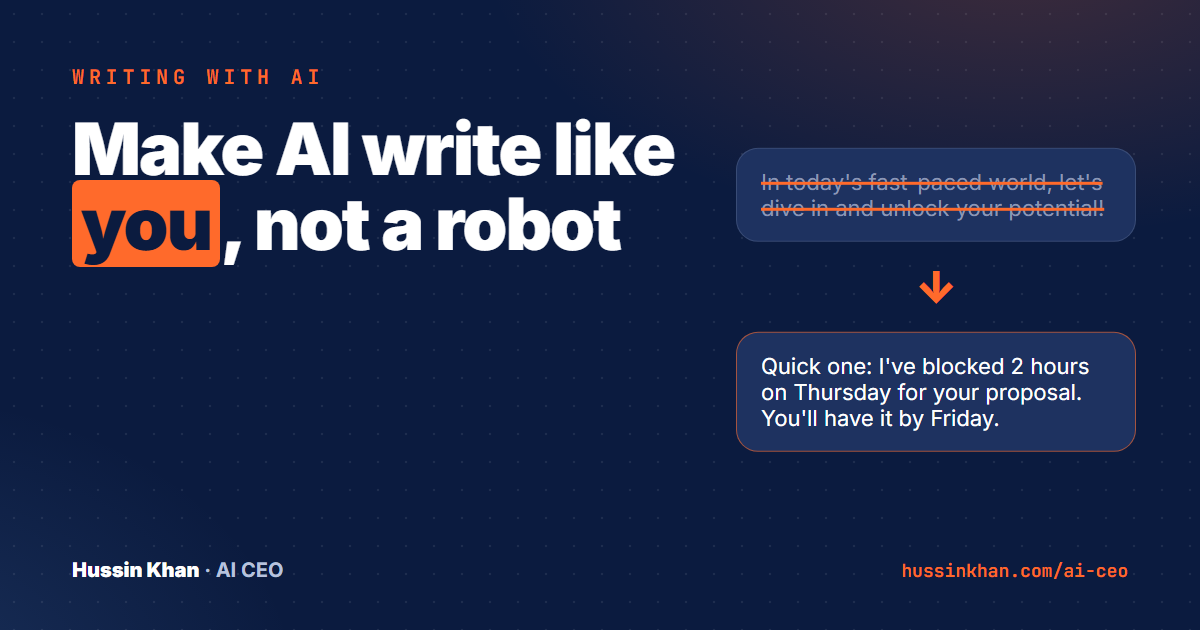
You can spot AI writing a mile away. "In today's fast-paced world." "Let's dive in." "Unlock your potential." Your customers can spot it too, and it makes your business sound like everyone else.
The fix is not a better tool. It is giving the tool something to copy. Here is the three-step method I use.
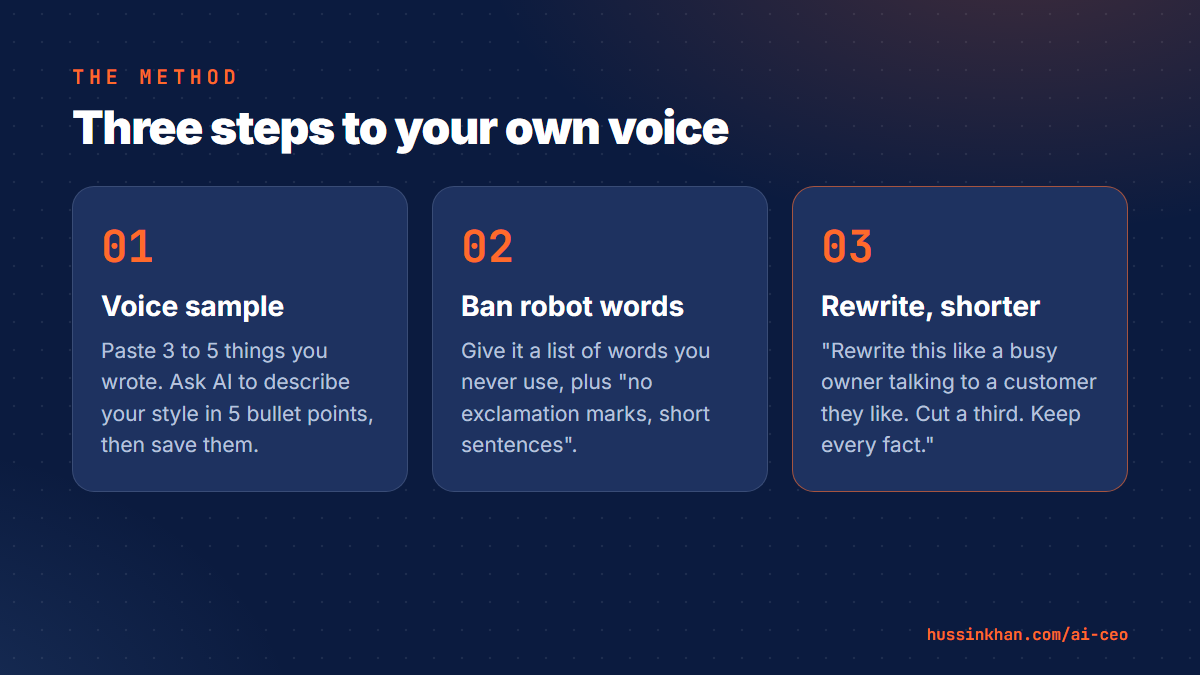
Step 1: Give it a voice sample
Find three to five things you have written yourself and are happy with: emails, posts, a page from your website. Paste them in and say:
"These are examples of how I write. Describe my writing style in 5 bullet points: sentence length, tone, words I use often, how I open and how I close. Then use that style for everything I ask you to write in this chat."
Save the 5 bullet points. In Claude you can put them in a Project; in ChatGPT, in your custom instructions. Then every chat starts already knowing your voice.
Step 2: Ban the robot words
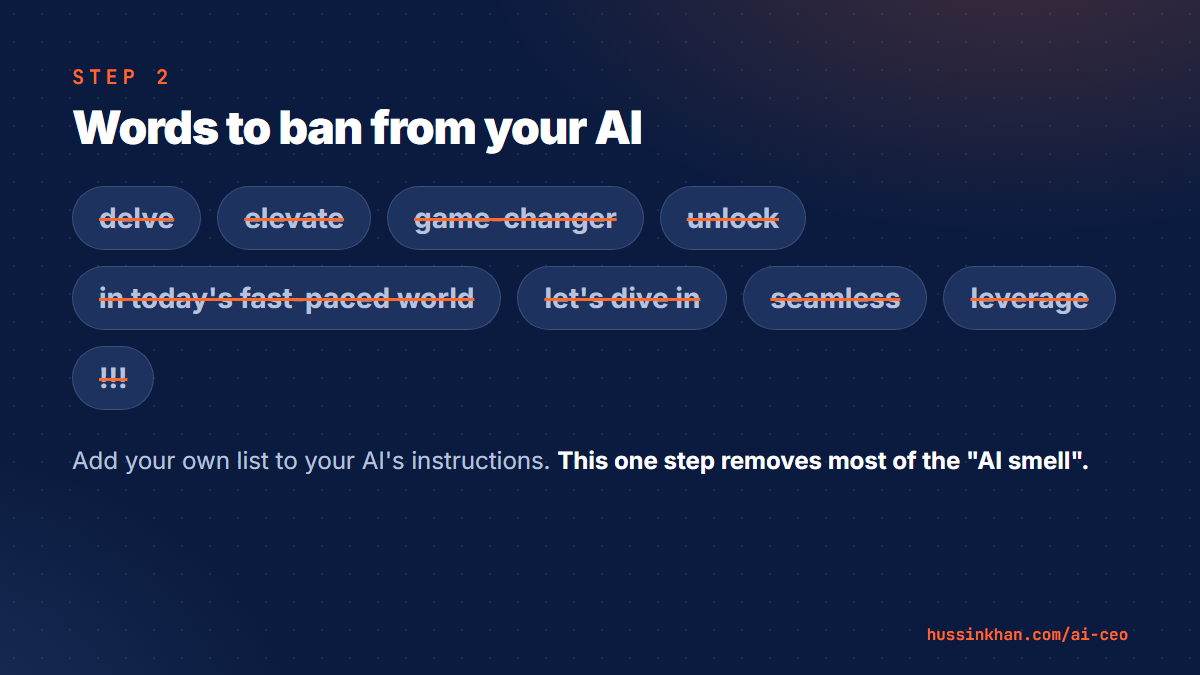
Make a short list of words and phrases you never use. Mine includes "delve", "elevate", "game-changer", "unlock" and "in today's fast-paced world". Add it to your instructions:
"Never use these words or phrases: [your list]. Avoid exclamation marks and long dashes. Use short sentences and plain words."
This one step removes most of the "AI smell".
Step 3: Use the rewrite prompt
When a draft still sounds off, do not start again. Ask:
"Rewrite this so it sounds like a busy business owner talking to a customer they like. Cut it by a third. Keep every fact."
Shorter almost always sounds more human.
Always do the final pass yourself
Read it out loud. If you would not say it to a customer face to face, change it. Add one detail only you would know: a client story, a number from your business, a lesson you learned the hard way. That is the part AI cannot fake, and it is what makes people trust you.
Try it this week
Pick one post or email you need to write anyway. Do steps 1 and 2 once (about ten minutes), then write it with AI. Compare it with what AI gave you before. You will not go back.
Episode 7 in my free prompt library has the full "sound like me" prompts for LinkedIn posts. If you want your voice set up across email, posts and proposals in one sitting, that is a typical first session of my 1:1 AI coaching.