When I ask business owners what stops them using AI properly, the most common answer is not cost or time. It is worry: "Is it safe to put my client's information into this?"
It is the right question to ask. Here is how I think about it, in plain English. This is practical guidance, not legal advice, so if you work in a regulated field, check your own rules too.
Start with a simple traffic light
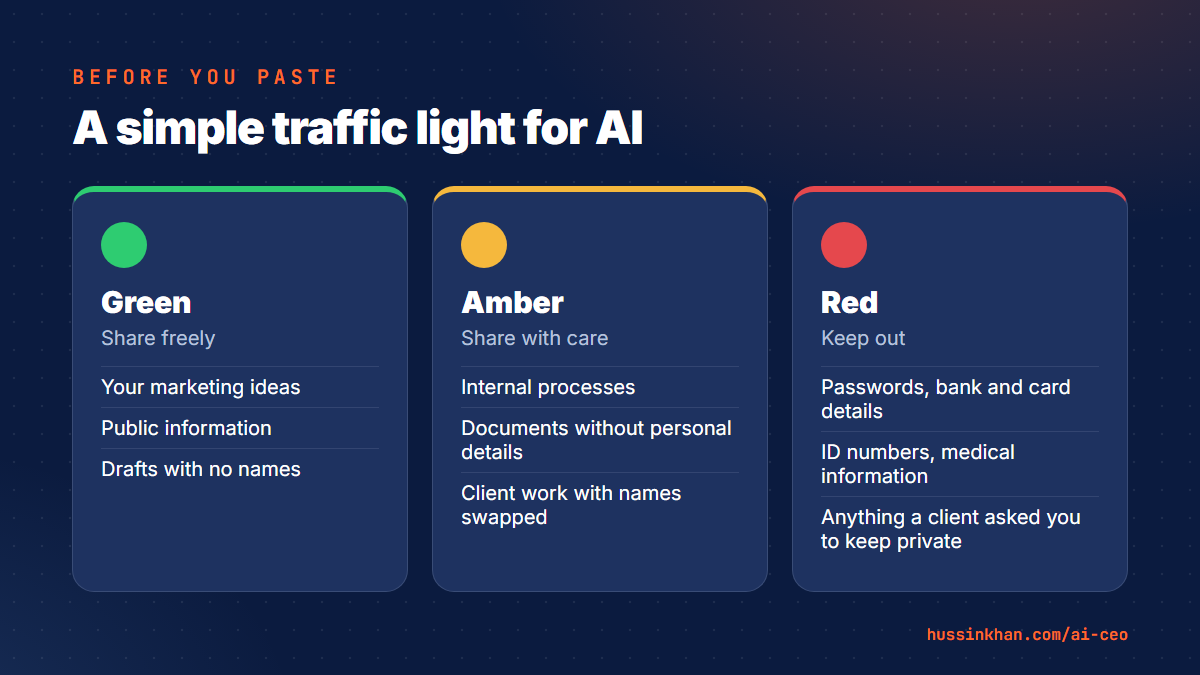
- Green: share freely. Your own marketing ideas, public information, general questions, drafts with no names in them.
- Amber: share with care. Business documents without personal details, internal processes, client work where you have removed or replaced names and numbers.
- Red: keep out. Passwords, bank and card details, ID numbers, medical information, and anything a client has asked you to keep confidential.
Most of the time savings come from green and amber work. You rarely need red information to get a great result.
Swap the details before you paste
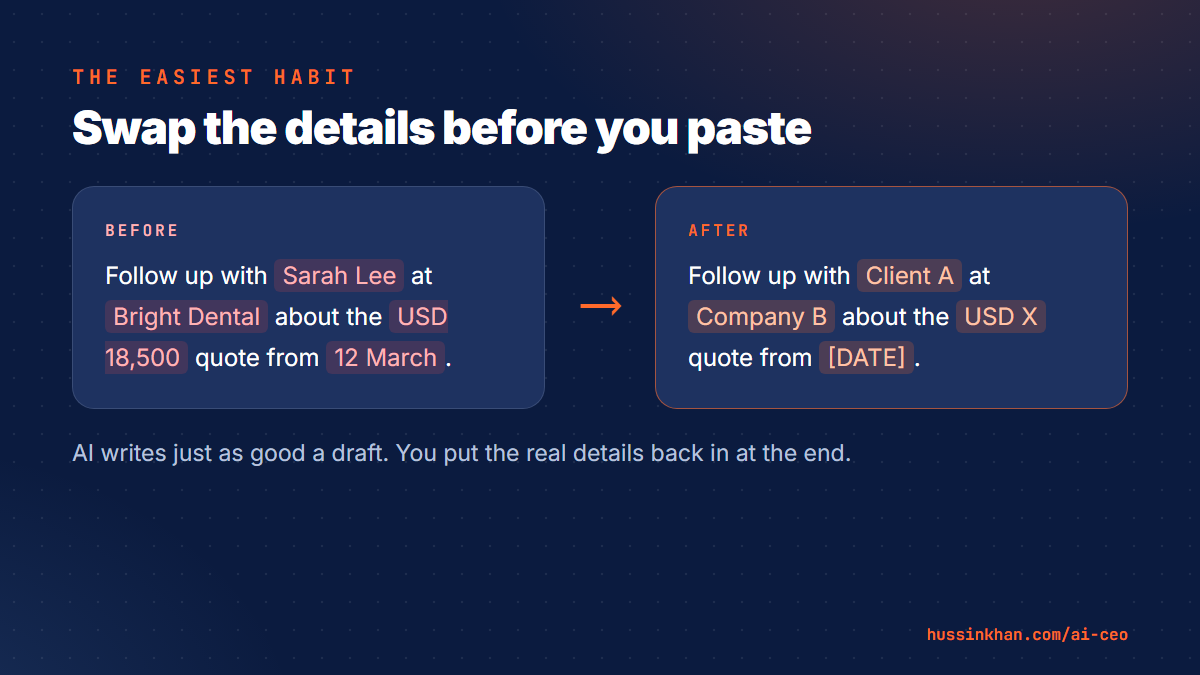
The easiest habit: replace real details with placeholders. "Client A", "Company B", "RM X" or "USD X". AI does not need the real name to write a better email or tidy up a proposal. You put the real details back in at the end.
Check these settings once
- Training on your chats. In both Claude and ChatGPT, open Settings and look in the privacy or data section. You can choose whether your chats are used to improve the models. Decide on purpose rather than leaving it to chance.
- Memory. Both tools can remember things between chats. Useful, but check what it has saved and delete anything you would not want kept.
- Team plans. If your staff use AI for client work, a business or team plan gives you more control over data and who sees what. It is worth the extra cost once more than two or three people use it.
Set three ground rules for your team
Your biggest risk is not the tool. It is a well-meaning staff member pasting in something they should not. Write down three rules and share them:
- No passwords, payment details or ID numbers, ever.
- Remove or replace client names and numbers before pasting.
- A person checks everything before it goes to a client.
Keep a human in the loop
AI can be confident and wrong. Anything that commits your business, such as prices, promises, legal wording or replies to an upset customer, should be read by a person before it is sent. Let AI prepare the work. You make the call.
Handled like this, AI is no riskier than the email and cloud storage you already use, and the time it saves is real.
Want to set this up properly for your own business? Privacy is the first thing we cover in my 1:1 AI coaching. For ready-to-use prompts, get the free prompt library.